
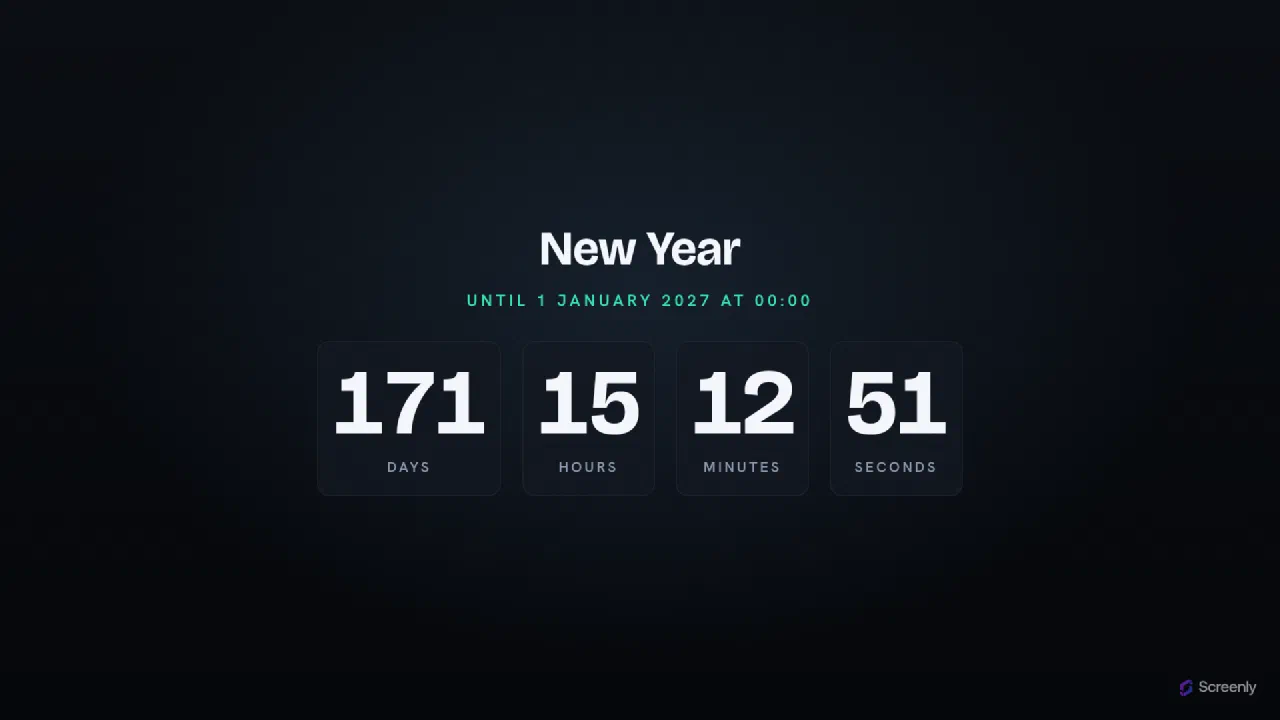
Timer
A full-screen countdown / count-up timer for digital signage. Ticks the days, hours, minutes and seconds to a target instant, then counts up the elapsed time once it passes, so the same screen handles a launch countdown or a "days since" board. Set an optional title, time zone, and a message shown when the target is reached. Everything arrives in the launch URL, so one deployment times any event.
Paste this link into Anthias, Screenly, or any compatible smart TV or signage player.
A big, readable timer on any screen
The Timer app shows a large countdown timer or count-up timer on any display, counting down to a moment or counting up from one. It's readable across a room and needs no setup beyond the target time.
Ways teams use it
- Event and webinar countdowns ("starting in..." on the room screen)
- Product launches, sales, and campaign deadlines
- "Days since last incident" safety boards on factory and warehouse floors
- Sprints, workshops, and classroom activities kept on schedule
How to add the timer app
Copy the app link above and paste it into Anthias (free and open-source), Screenly, or any web-capable signage player, then set your target time.
Does it count up as well as down?
Yes. Use it as a countdown to an event or a count-up for things like "days since last incident".
Is the timer app free?
Yes. It's free to run on Anthias, the open-source signage player.